First go to drive.lrei.org. If this is the first time you've used it you will asked to put in to enter your email. For this group the email is: photocollage@lrei.org
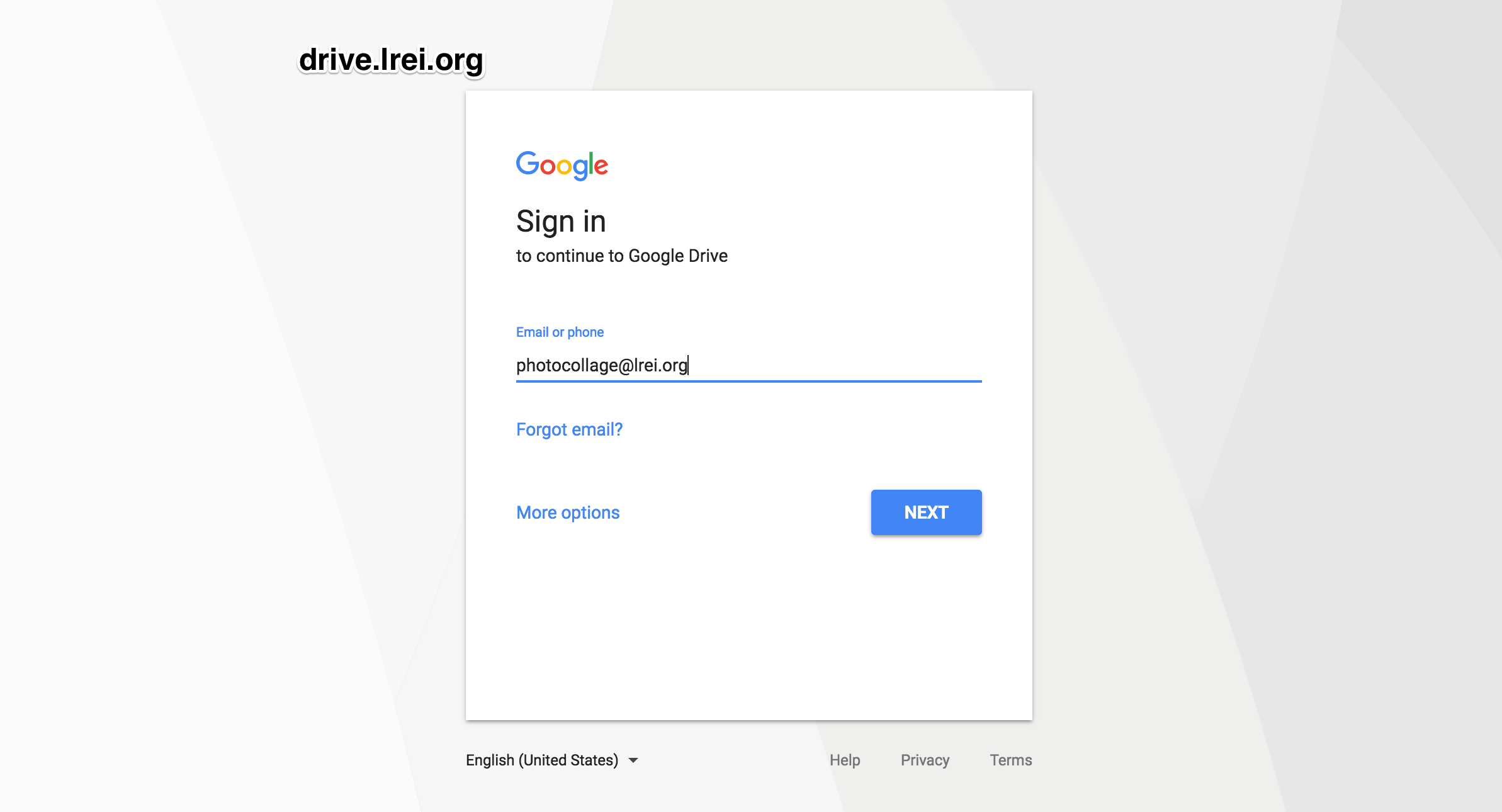
If you have used google accounts before then you way see a screen like this
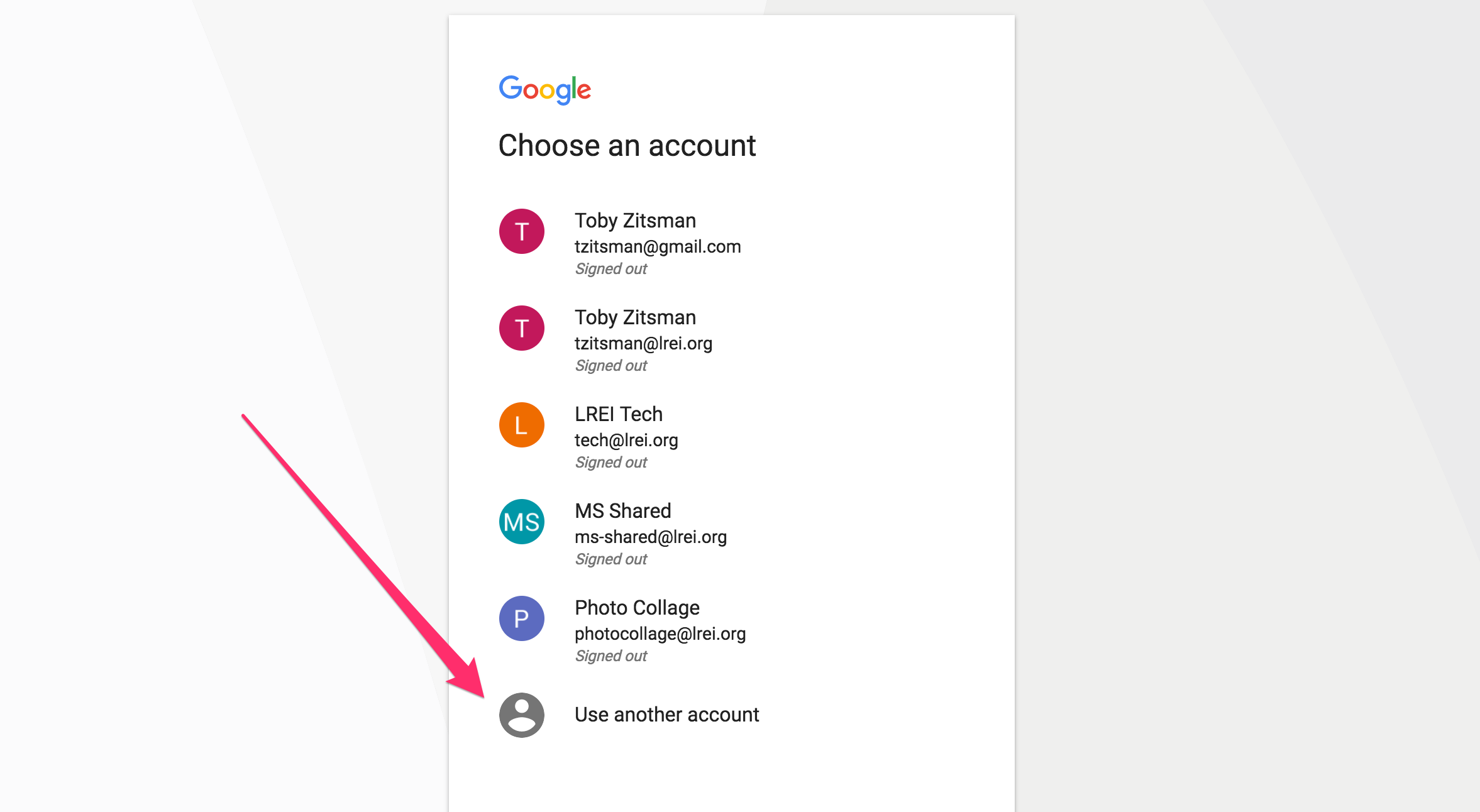
If you don't see Photo Collage listed (it is for me because I've used it before), you can select use another account and will be greeted by the screen in the first photo
Enter the password: studentsofc0l0r when prompted by the next screen. You will then be met with your home screen.
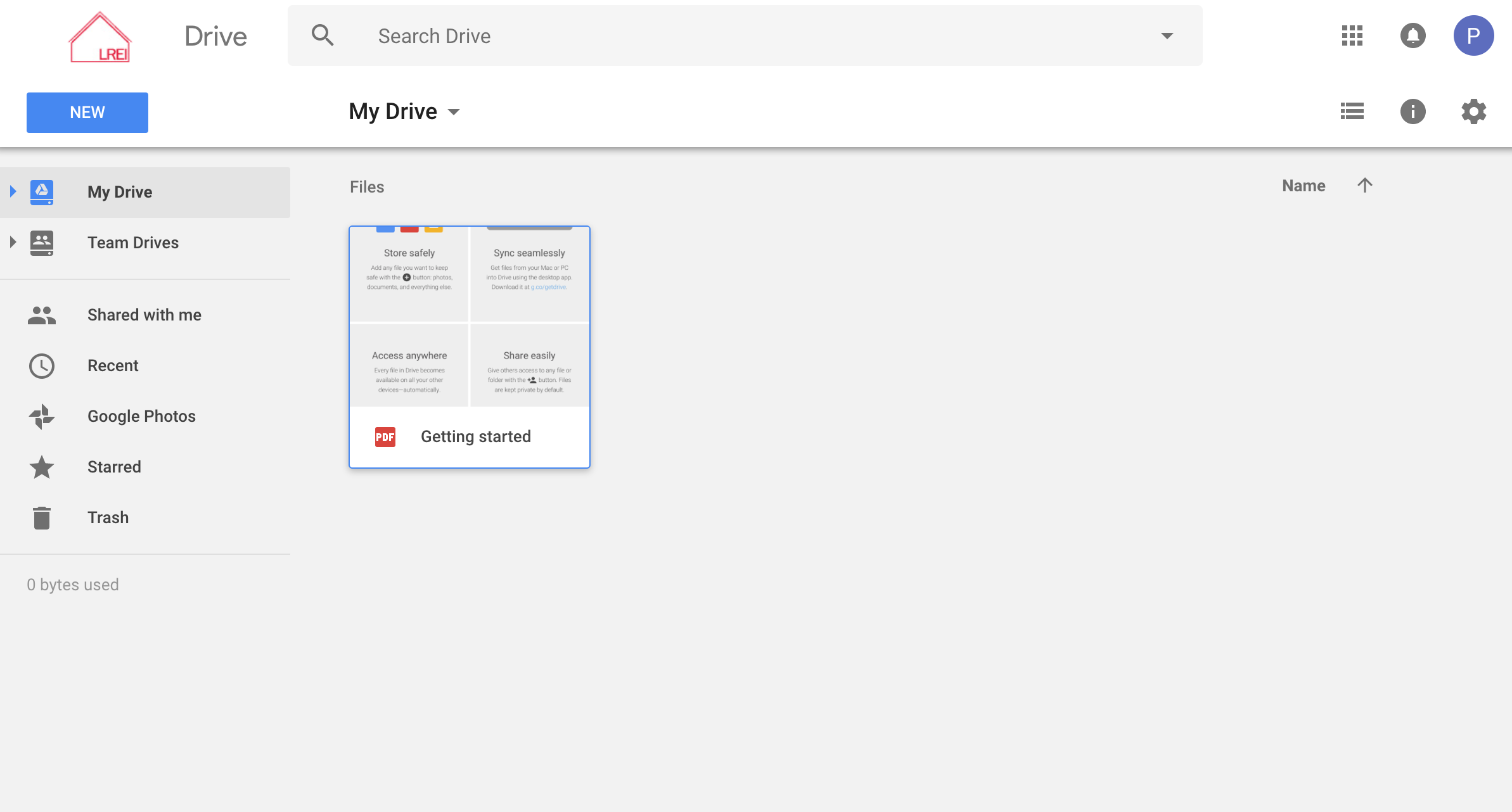
To upload new files, select the NEW button in the top left. You will then see a dropdown menu
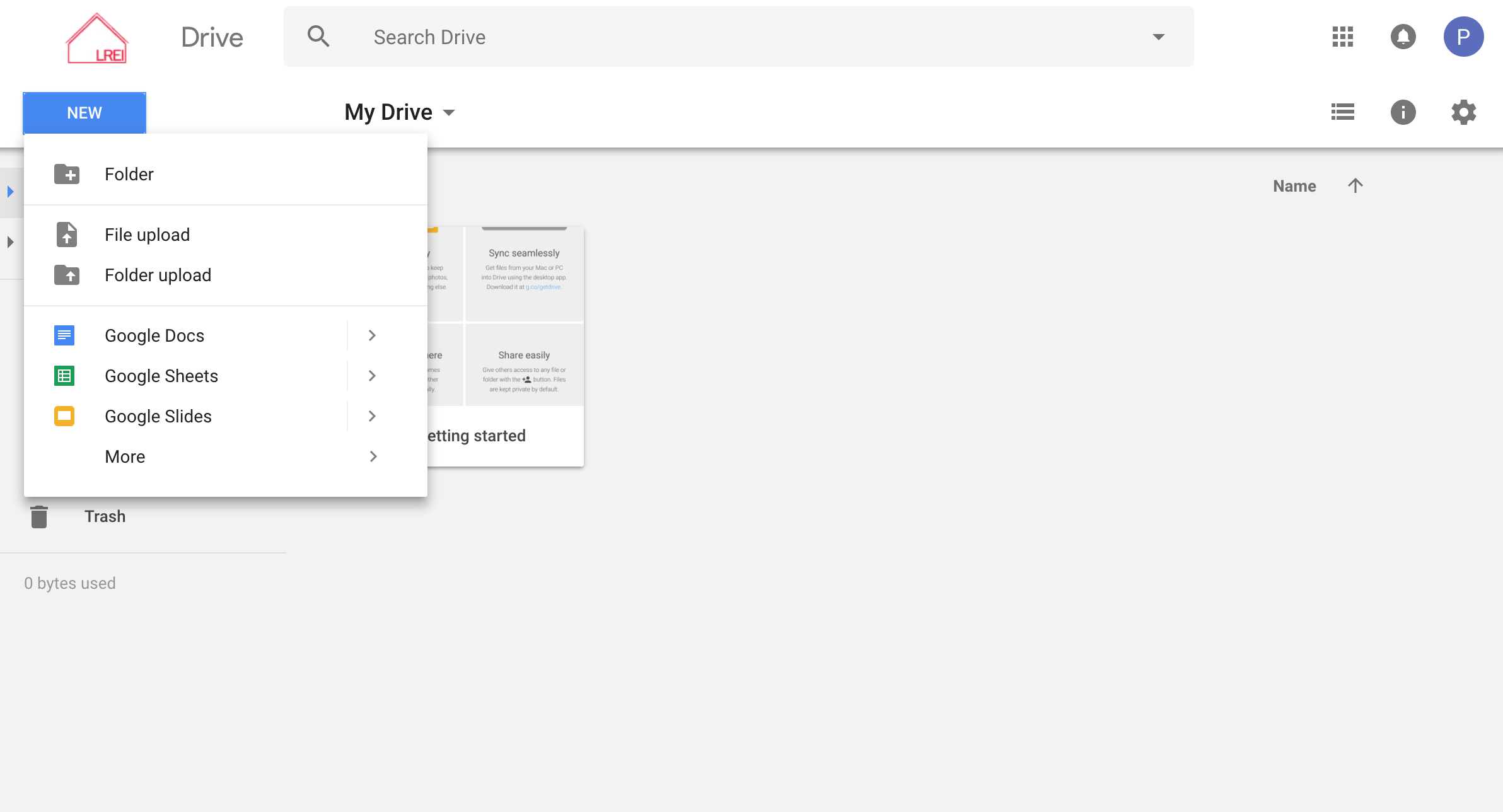
To upload photos or documents to this shared drive, select file upload (for a few files) or folder upload (to upload an entire folder). You will then be able to select what files and/or folders to upload from your computer
Thank you for reading and participating in this project. If you have any questions about this process, please feel free to reach out to Chap, Rohan, or help@lrei.org
0 Comments